

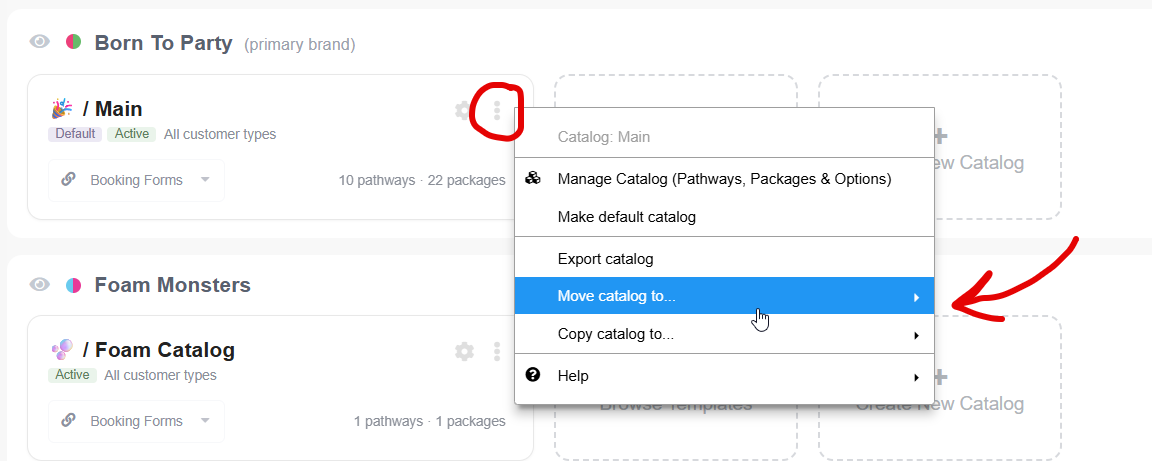
Catalogs can be copied or moved between Brands.
Booking Pathways can be copied or moved between Catalogs.
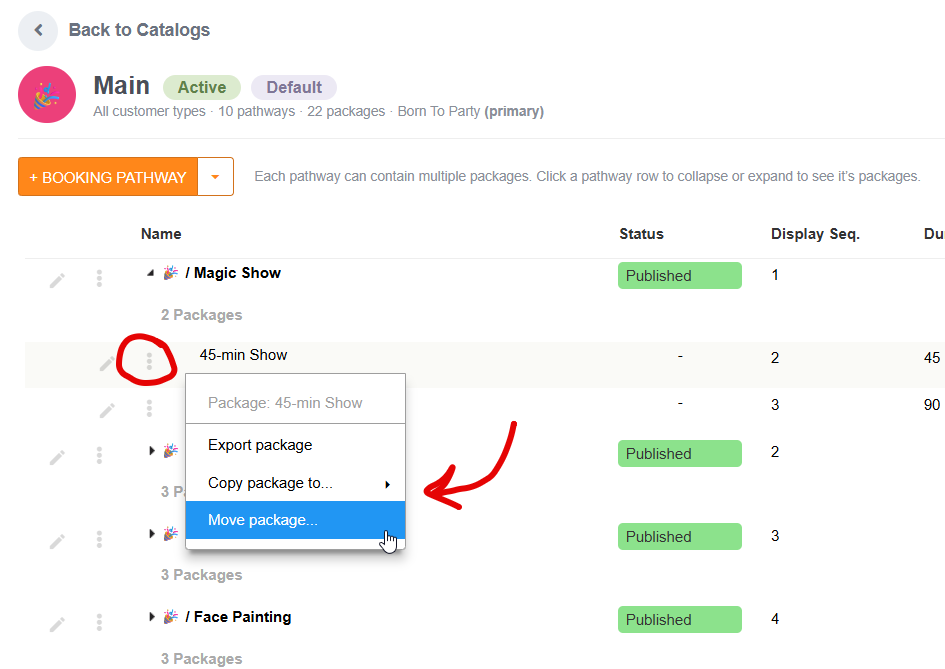
And Packages can be copied or moved between Pathways.
☝️Common use case: Start with one catalog, then later reorganize by copying/moving Booking Pathways or Packages into a new catalog when you’re ready to split offerings.
To copy or move Catalogs...
Look for the vertical ellipsis icon (three vertical dots) at the top right corner of a given Catalog's card found on the "Catalogs" page (main menu)
In this menu you'll find the options to Copy or Move the item.
To copy or move Booking Pathways or Packages...
Click on the Catalog card to 'Manage Catalog' that the pathway or package is in.
Look for the vertical ellipsis icon (three vertical dots) next to the item you want to copy/move in the list.
In this menu you'll find the options to Copy or Move the item.